



Webinars and tutorials from Retouch4me experts

Learn how to automate tedious edits, get natural results fast, and build efficient retouching system — whether you’re new or already using our tools.
Before
After
A girl before using Retouch4me pluginsA girl after using Retouch4me plugins
Before
After
A girl before using Retouch4me pluginsA girl after using Retouch4me plugins
Before
After
A girl before using Retouch4me pluginsA girl after using Retouch4me plugins
Before
After
A girl before using Retouch4me pluginsA girl after using Retouch4me plugins
dark-skinned girlgirl at a weddinggirl in redasian girl
Learn, Ask, Apply

Live Webinars

From fast retouching to full creative workflows — our expert-led sessions give you proven techniques, pro insights, and answers to your real questions. Join live and turn inspiration into action.

Upcoming Webinars

Don’t miss these live sessions happening soon — watch in real time, ask questions, and apply the techniques right away.
Best practices
December 17, 2025
Send Us Your Worst: Live Retouch Challenge
Watch us retouch your most challenging photos live and see how Retouch4me solves real editing problems fast and naturally.
60 minutes
Register Now

Getting started with Retouch4me

See how to get instant wins with Retouch4me and start editing like a pro today. From RAW file to flawless result in minutes — no retouching experience required.
Quick start
Available on-demand
Find the Right Tool for Every Job
This session explains the Retouch4me ecosystem so you can edit faster without sacrificing quality.
30 minutes
Register Now
Quick start
Tuesdays, 11:00 AM EST
AI-Powered Retouching: Fast Start
Learn to retouch 4x faster — even on a laptop — with pro results and full control.
40 minutes
Register Now
Best practices
Wednesdays, 11:00 AM EST
The Skin Retouching Playbook
Learn how to retouch skin like a pro — fast, natural, and without losing texture.
40 minutes
Register Now
Quick start
Thursdays, 11:00 AM EST
Build Your Forever Retouching Toolkit
A deep dive into each plugin, showing you how to cut your editing time by 90% while maintaining magazine-quality results.
50 minutes
Register Now
Expert sessions

On-demand webinars

Missed out on one of our live webinars? Not to worry, you can find a list of on-demand sessions right here!
Quick start
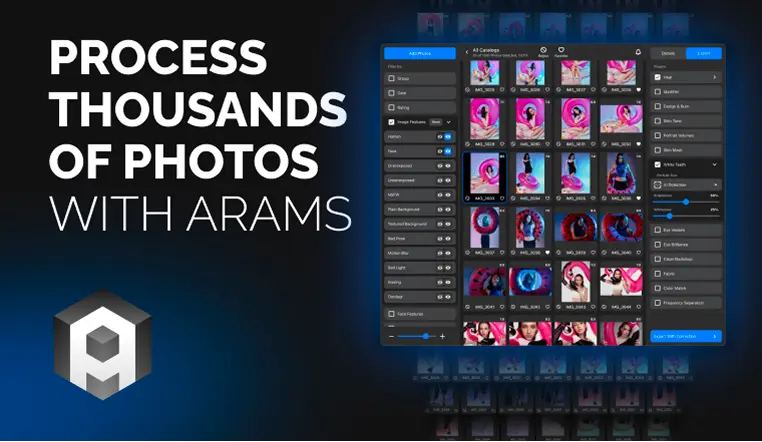
How to Process Thousands of Photos with Arams
Get an overview of the latest ARAMS updates, see a live product demo, and get your questions answered.
45 minutes
Watch Now
Best practices
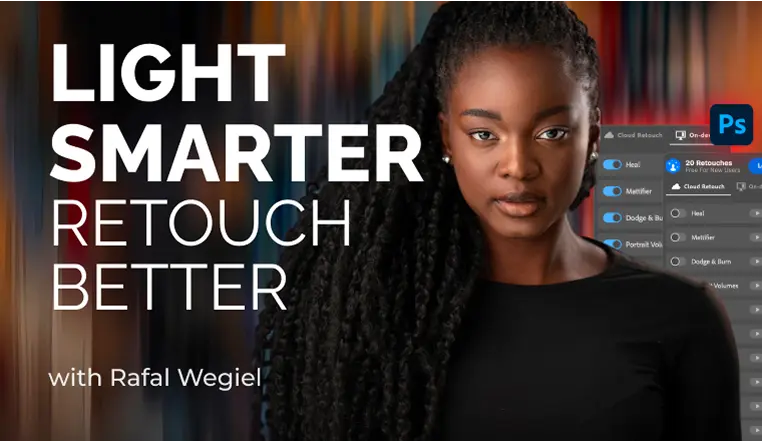
7 Pro Retouching Hacks with Unmesh
Learn to retouch faster, cleaner, and more confidently with the world’s most trusted Photoshop educator
1 hour
Watch Now
Best practices
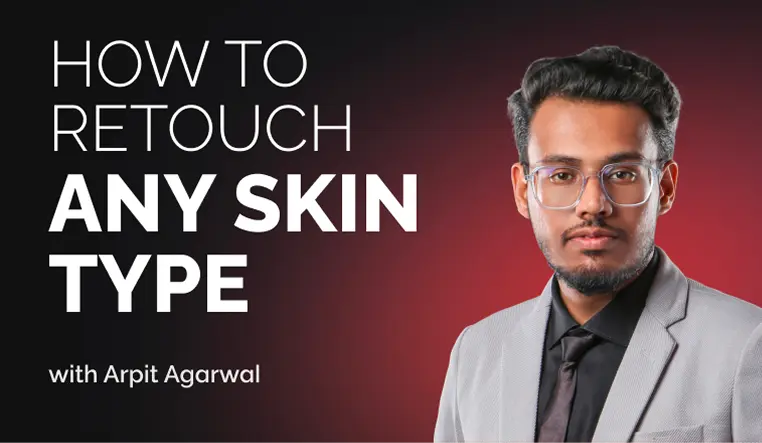
Mastering Skin Retouching Across Different Skin Types
Walkthrough the steps to retouching African, Indian, Asian, and European skin tones with the nuance and respect they deserve.
45 minutes
Watch Now
Best practices
From Model Tests to Campaigns: Fashion Photography Workflow &
Explore real-world editorial workflow — from how to start with model tests, to building a client-ready portfolio, to fast, high-end retouching using Retouch4me AI tools.
43 min
Watch Now
Best practices
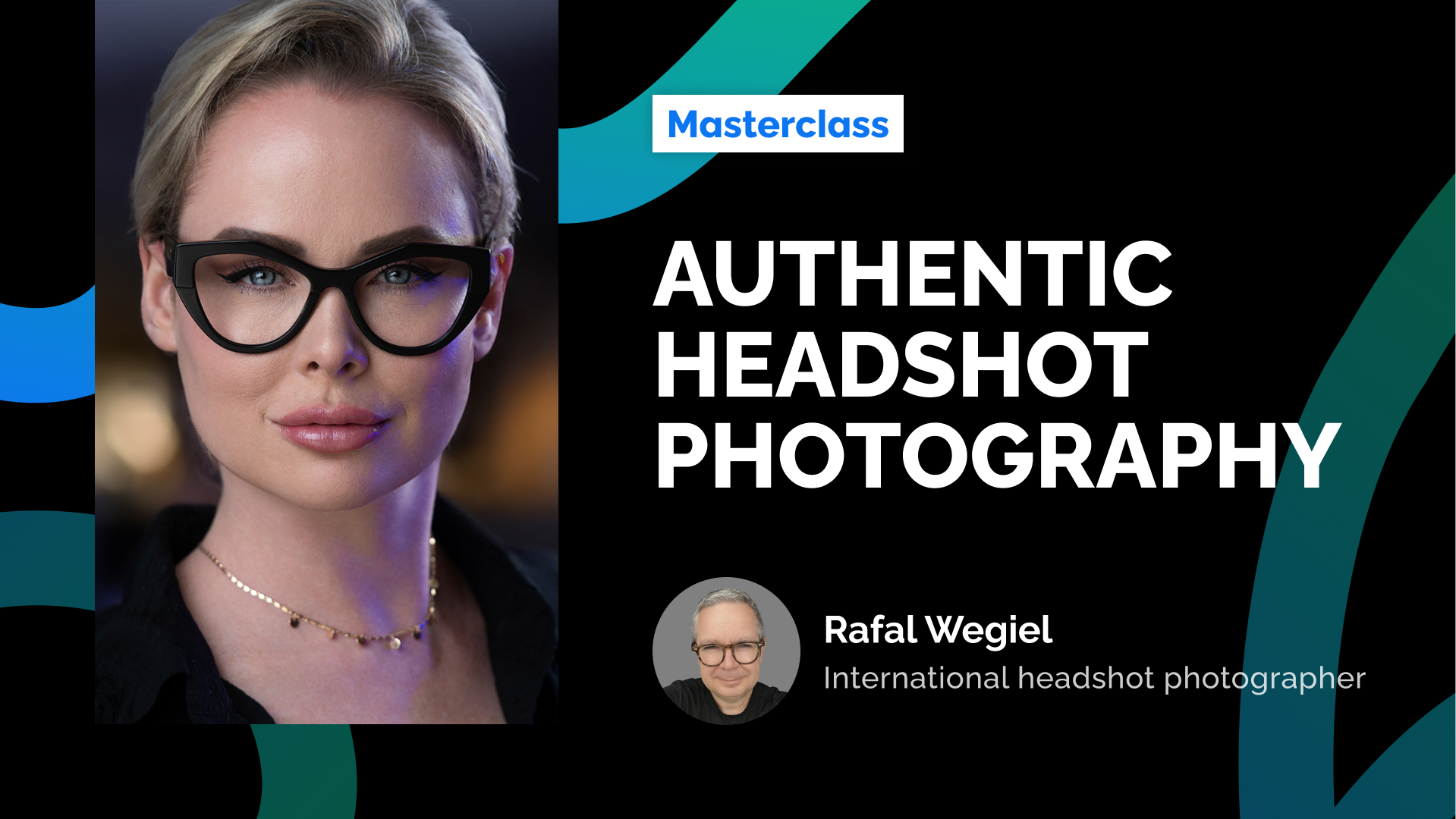
Perfect Headshot Lighting
Master lighting setups and AI retouching techniques to create stunning headshots.
38 minutes
Watch Now
Quick start
Automating Cleanup
Discover how to eliminate hours of manual cleanup for product, fashion, and macro beauty shots.
45 minutes
Watch Now
Video Tutorials

Need a Quick Tip? 
Watch Retouch4me Tutorials

From plugin basics to batch retouching tips — all in short, focused videos.
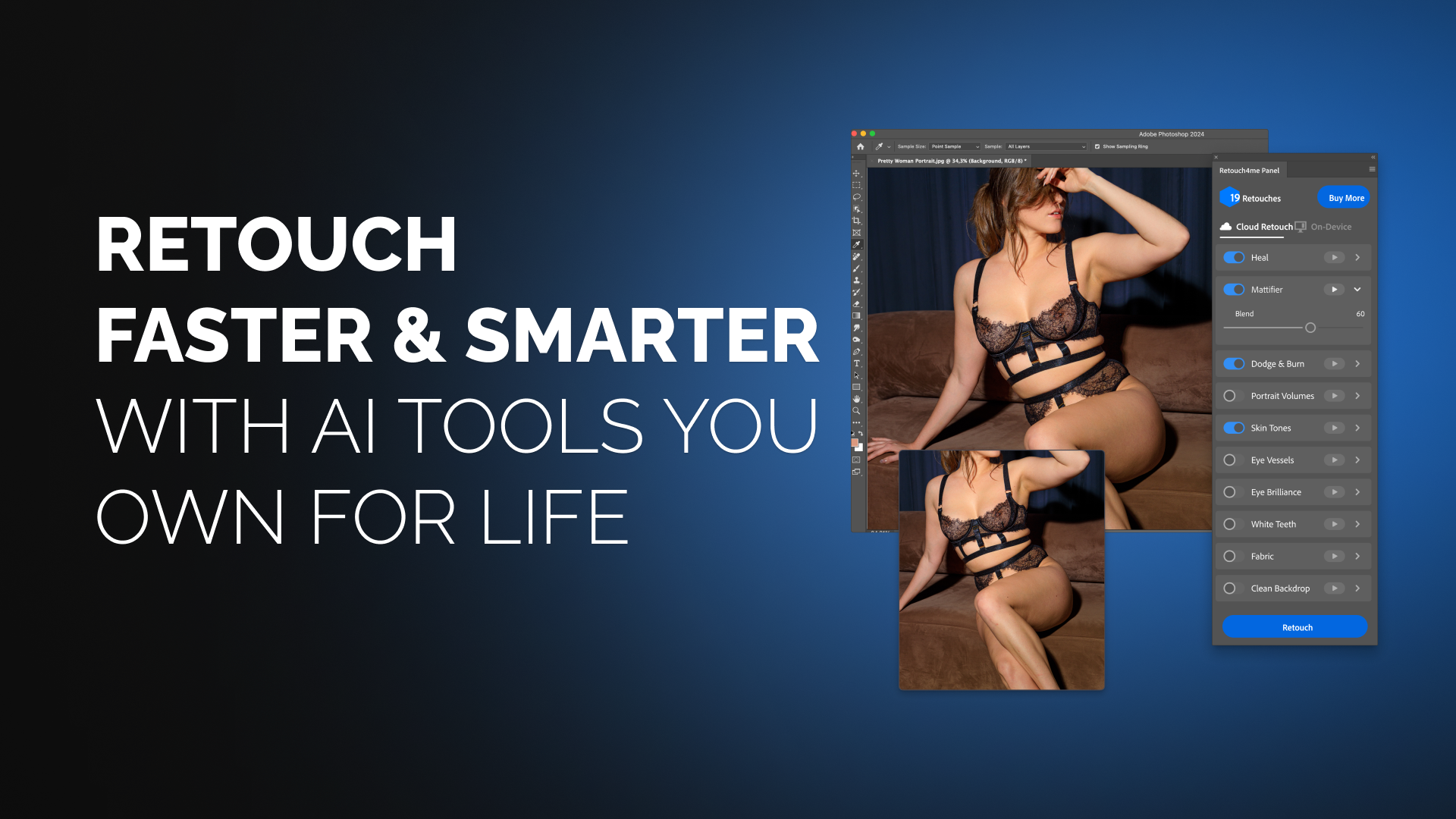
From RAW to Retouched in 5 Minutes
Learn how to develop your photo in Camera RAW, adjust light and color, and finish with AI-powered retouching — all in under 5 minutes with Retouch4me Photoshop Panel
Watch Now
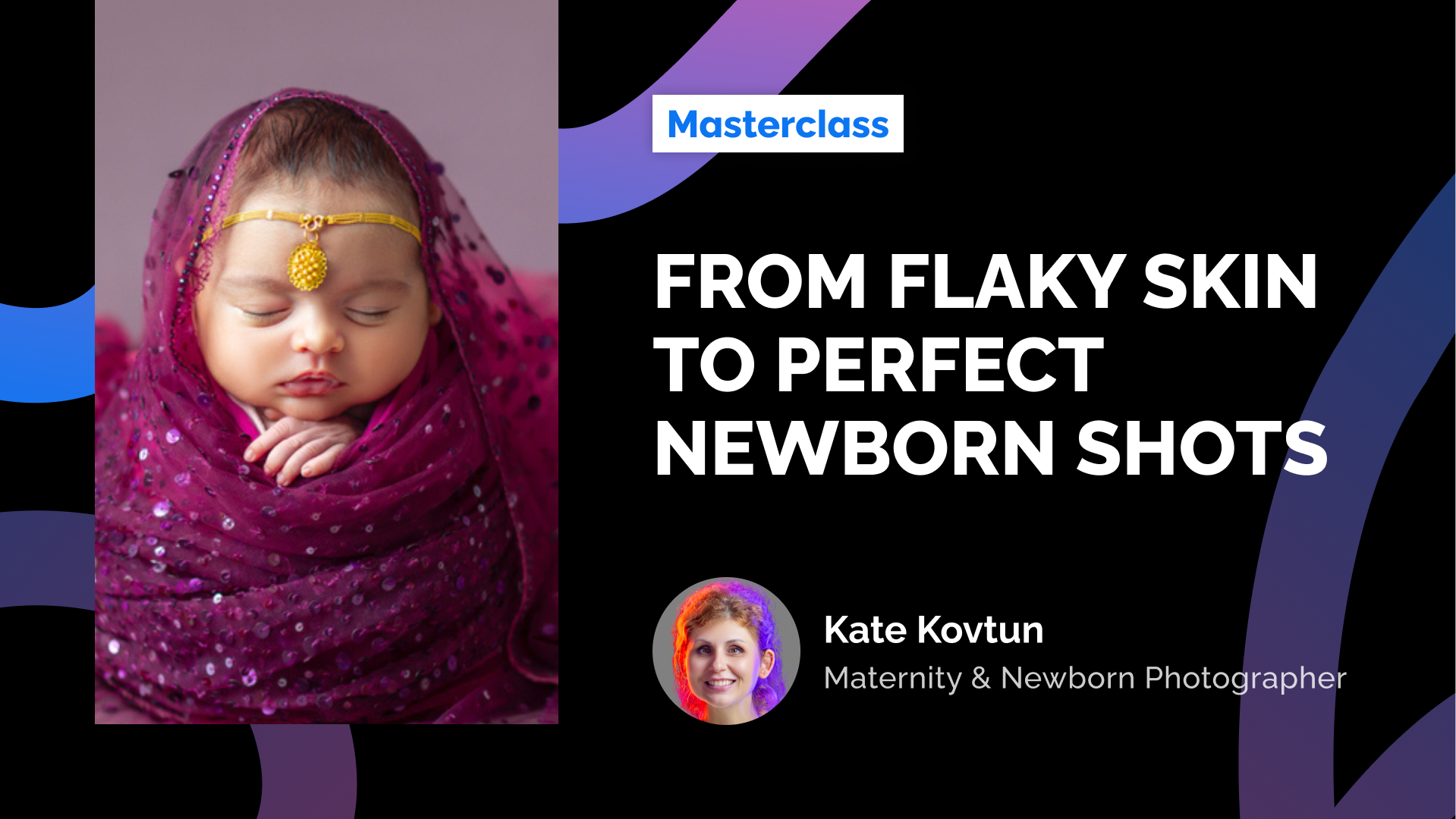
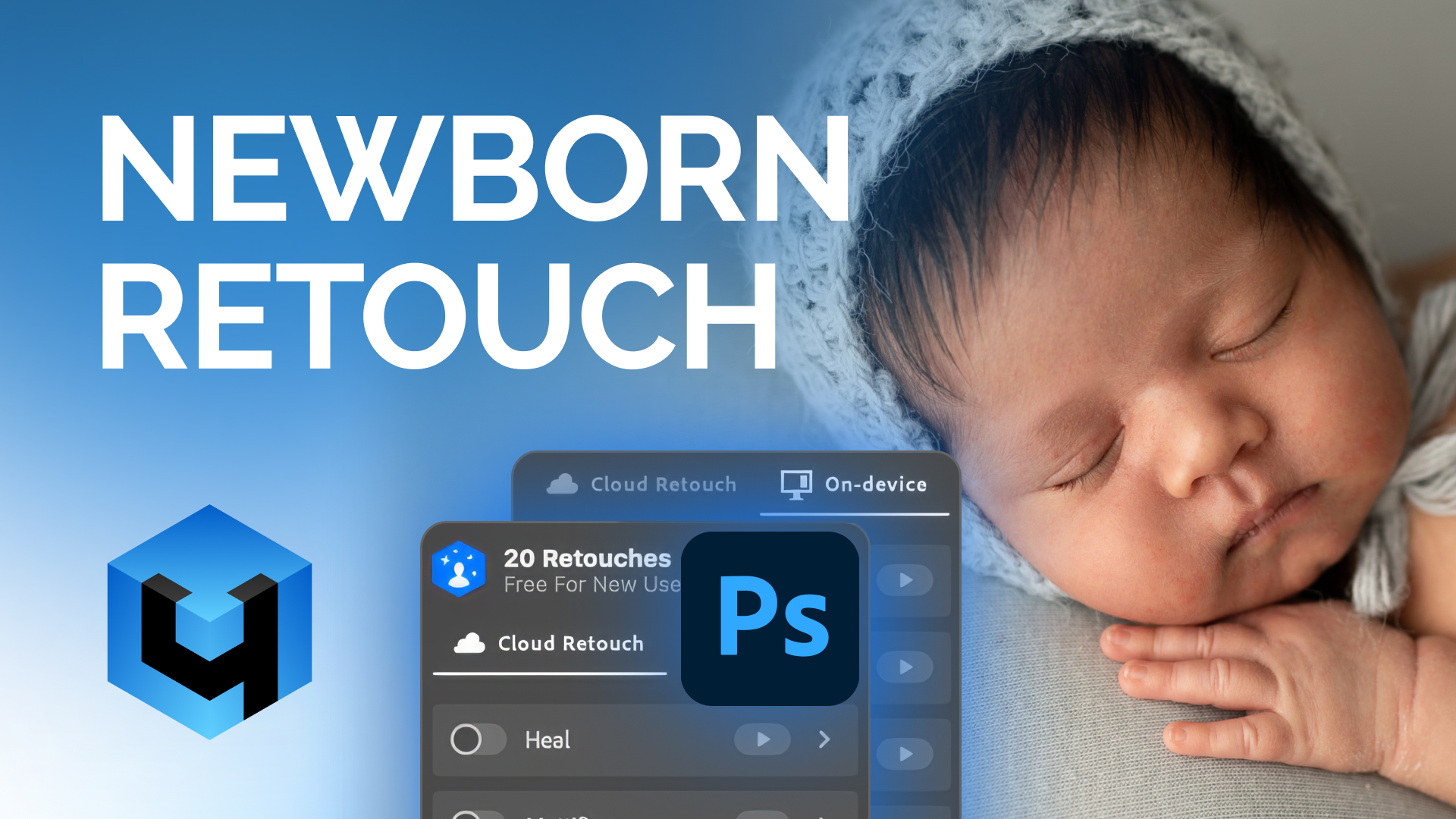
How to Retouch Newborn Baby Skin Naturally
Learn how to fix flaky skin, redness, and tiny blemishes — while preserving that delicate, natural softness only newborns have.
Watch Now
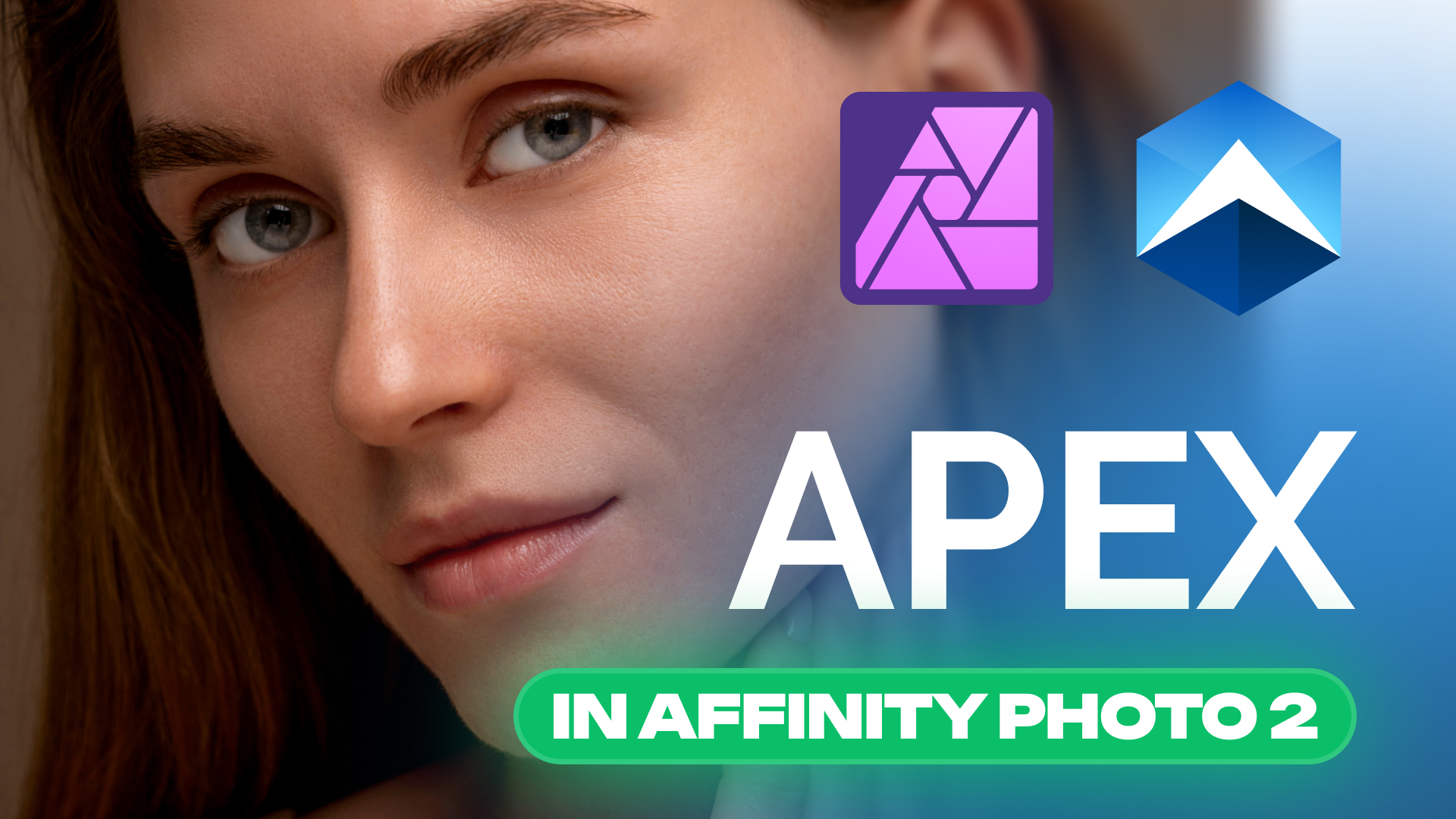
Retouch4me APEX + Affinity Photo
This tutorial walks you through the full setup of Retouch4me APEX inside Affinity Photo 2, step by step.
Watch Now
Learn how to get the most out of Retouch4me tools, and be the first to hear about new features and product updates.
FAQ

Frequently Asked Questions

Find answers to frequent queries here or ask in the support chat.

Who are these webinars for?

Photographers and retouchers who want to speed up editing without losing control or quality.

Do I need to be a Photoshop expert to follow along?

Not at all. We cover both beginner-friendly workflows and advanced tips in Photoshop and standalone apps like Apex, Arams.

What if I miss the webinar?

No worries. Everyone who registers gets a full replay by email.

Do I need to install anything before attending?

No setup required. But if you’d like to explore Retouch4me right after, log in here to claim your free 20 Cloud Credits and test the tools.

Still have questions?

Reach out to us in the Retouch4me Community on Facebook. We're happy to help!